Top 10 practical changes in Hermes Agent v0.20.2 (and what they're for)
Hermes Agent v0.20.2 landed on 2026-08-16. Ten changes that actually shift how a one-person operator runs Hermes day to day.
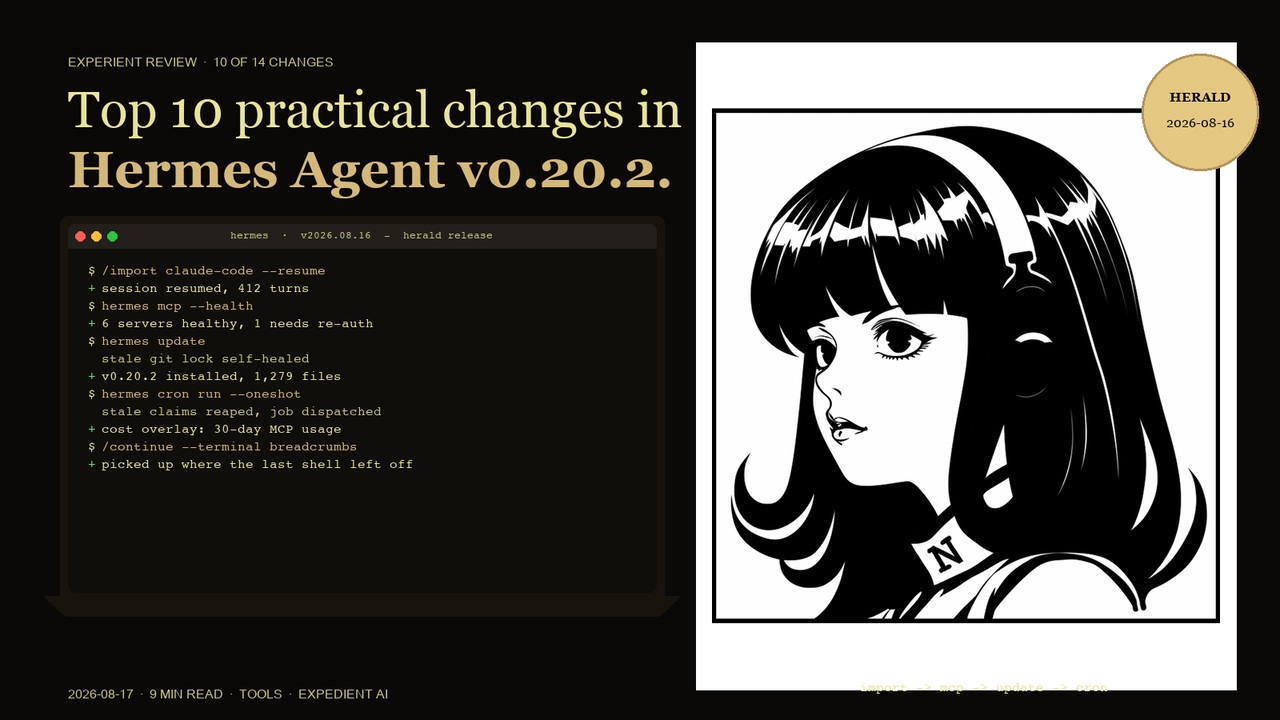
Context: I run Hermes as my main agent on multiple named profiles for separate coding projects, with Telegram as the primary channel, daily cron briefings and delegated multi-step builds. These are the ten changes from 0.20.2 that move the needle on that workflow.
1. Import and resume Claude Code or Codex sessions
What it is: Hermes can now import a Claude Code or Codex CLI session and resume it.
Why it matters: People move between agent tools all the time: a quick fix in Codex, the long build in Hermes. Previously the work stayed stuck in whichever tool started it. Now a session started elsewhere can be lifted into Hermes and continued with its context intact, which is the difference between re-explaining a problem and picking up where you left off.
Practical example: Start a spike in Codex, then /import it into Hermes and hand the continuation to a delegated subagent for the full build.
2. MCP cost and usage overlay in the desktop app
What it is: The desktop app now shows a cost and usage overlay for your MCP servers, with schema token estimates and 30-day usage.
Why it matters: MCP servers quietly spend money. One server with a heavy schema can cost more per call than the model answering you. Seeing 30-day usage per server makes the quiet leakers visible, so you can switch off or replace the expensive ones instead of discovering them on a bill.
Practical example: The overlay shows one MCP server has consumed ten times the tokens of the rest in 30 days. You swap it for a leaner server and the overlay confirms the drop next month.
3. Multi-gateway Connections registry
What it is: The desktop app now has a Connections registry for multiple gateways, with profile-scoped refreshes.
Why it matters: Running more than one gateway, or a gateway per profile, was previously a silent tangle. A registry that lists them, with per-gateway refresh, makes multi-gateway setups inspectable instead of mysterious.
Practical example: You run a Telegram gateway for one client and a Discord gateway for another. The Connections registry shows both and refreshes each independently.
4. MCP health checks with re-auth nudges
What it is: The desktop app now runs background health checks on MCP servers and nudges you when one needs re-authentication.
Why it matters: The classic MCP failure mode is a dead server discovered mid-task: the agent calls a tool, gets nothing, and wastes a turn. Health checks surface the dead server before you need it, and the re-auth nudge means you fix the token before it bites.
Practical example: A server's token expires overnight. The health check flags it with a re-auth prompt first thing, so the morning's tasks never hit the failure.
5. hermes:// deep links to install MCP servers
What it is: The desktop app can now install MCP servers from hermes:// deep links, with explicit confirmation.
Why it matters: Sharing a server setup becomes a click instead of a config exercise. The explicit confirmation step keeps it safe: a link cannot install silently.
Practical example: A colleague sends a hermes:// link for a useful server. One click, one confirm, it is installed and listed.
6. Skills tab hub browser and one-click installs
What it is: The desktop Skills tab gains a hub browser, a full-skill detail pane, and one-click installs, scoped per profile.
Why it matters: Finding and installing skills was a hunt through folders. Now it is a browse, a read, a click. Profile scoping means each project profile only carries the skills it needs, which keeps prompts lean.
Practical example: A new project profile gets its three skills from the hub in one click each, instead of manual folder copies.
7. Ctrl+C fixed for the Kitty terminal protocol
What it is: The CLI no longer pushes the Kitty keyboard protocol that broke Ctrl+C in some terminals.
Why it matters: This is the small fix with the biggest daily impact: an interrupt that does not work means a runaway command you cannot stop. Restoring plain Ctrl+C in affected terminals brings back the one key you rely on most.
Practical example: In a terminal that previously ignored Ctrl+C under the Kitty protocol, interrupt now works again immediately after update.
8. Updater self-heals stale git locks and false updates
What it is: The updater now clears stale git locks itself and stops reporting "update available" when there is no real update, including on shallow clones.
Why it matters: Two classic update pains, both fixed. A stale lock used to hang updates until you found and deleted it by hand. A false "update available" banner used to send you down a pointless update loop. Both are now handled automatically.
Practical example: A crashed update leaves a stale lock. The next hermes update clears it and proceeds instead of hanging.
9. Per-terminal --continue with breadcrumbs
What it is: The CLI can now continue per terminal, with terminal breadcrumbs tracking where each session left off.
Why it matters: With multiple terminals open, "resume" was ambiguous. Breadcrumbs tell Hermes which terminal was doing what, so --continue picks up the right thread instead of guessing.
Practical example: Two terminals, two projects. --continue in each resumes the right project's last thread.
10. Cron one-shot runs no longer orphan jobs
What it is: A one-shot hermes cron run no longer orphans the job, and stale execution claims are reaped before dispatch.
Why it matters: Running a cron job by hand used to leave state behind that could confuse the next scheduled run. The fix cleans claims first, so manual runs and scheduled runs coexist cleanly.
Practical example: You trigger a briefing job manually to test it. The next scheduled tick runs normally with no orphaned state.
What did not make the list (but is in the notes)
v0.20.2 also includes a compression lean-tail mode and recovery-aware evaluation, a per-turn wall-clock duration in the desktop transcript, pre_tool_call content transformation via a modify directive in hooks, delegation subagents skipping the automatic background review, persisted model routes in the gateway, Telegram DM topics, LiteLLM Claude prompt caching on the OpenAI wire, and installer robustness on Linux and Windows. Real changes, but either narrower or less daily-impacting for the one-person operator workflow.
What this means for a UK service business running Mercury OS
For the clients we run Hermes-style agent workflows for, the meaningful upgrades are the MCP cost overlay and the health checks. Together they turn a growing server fleet from "trust us, it is fine" into something you can see and budget for. The import of Claude Code and Codex sessions also matters for teams that mix agent tools: work no longer dies at a tool boundary.
The honest version of how to read a patch release this fast
0.20.2 arrived three days after 0.20.1 with about 397 merged PRs. At this cadence, the patch label is administrative. The ten items above are the ones I actually expect to use. Everything else in the notes is worth a skim when you hit the specific problem it solves, not before.
