10 practical changes in Hermes Agent v0.22.0 (and what they're for)
Hermes Agent v0.22.0, the Threshold Release, landed on 2026-10-13. Upstream calls it the largest window it has shipped, about two and a half times the v0.21.0 cycle, with roughly 24,200 commits and 6,080 merged pull requests. Fifteen highlights are listed. Ten of them actually change how a one-person operator runs the thing day to day, and those are the ones below.
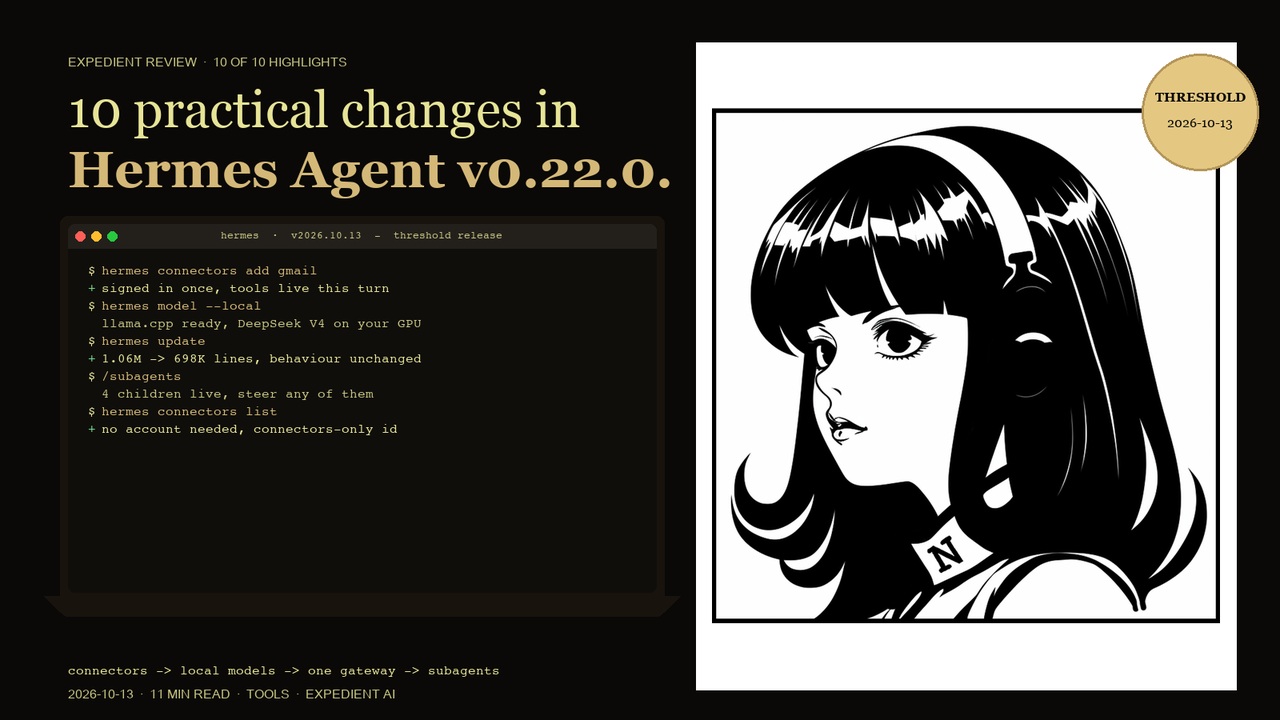
Before the list, the shape of it. Hermes was, as the release puts it, the god of thresholds: the doorway, the crossing, the boundary stone. v0.21.0 assembled the pantheon. v0.22.0 is about getting through the door. A fresh install now opens on a setup chat that runs before you own an API key, the agent reaches into the apps you already use, local models come home to your own hardware in one click, and the packaging underneath became a tested stable channel rather than a moving target.
1. A first launch that sets itself up
Open the desktop app on a machine where you have never used Hermes and it starts a short setup chat instead of a settings screen. One card at a time it asks your name, an accent colour and a layout, which apps to connect, which plugins to install, then gives a quick tour and offers up to four first tasks picked for you.
It runs on a free trial model, so it needs no key. Skip setup ends it, and Settings can bring it back. The agent also gained a set_theme tool, so asking for a colour and a dark mode now works in any desktop chat.
2. Connectors: the agent works inside your apps
This is the one that changes what the thing is for. The agent can now act in hosted apps such as Gmail, Linear and Notion through the Nous tool gateway. You ask for an app, sign in once in your browser, and the tools are usable in the same turn.
You do not need a Nous account to start. The first time you use an app, Hermes creates a free connectors-only identity. The desktop has a Connectors page that puts hosted apps and your MCP servers in one list, replacing the MCP tab. You can connect several named accounts of one app, a work and a home Gmail for instance, and manage them with a connectors command.
3. Local models in one click
Hermes can run open models entirely on your own machine with nothing leaving it. No account, no API key. It installs and maintains llama.cpp with the right engine for your hardware, whether CPU, CUDA, Metal, Vulkan or ROCm, rates every catalog model against your GPU and RAM, and picks the highest-quality build that fits.
Downloads pause and resume, the server starts and stops with Hermes, and engine updates are one click. The catalog includes Qwen3.8 27B, Qwen3.6 35B-A3B and DeepSeek V4.
This is the single most relevant change if you are selling self-hosted AI to a business that does not want data leaving the building. The gap between "we can run it on your own hardware" and "you can run it on your own hardware" used to be a weekend of setup. It is now a menu item.
4. Stable release channels
Hermes now ships tested SemVer releases. Every release passes source CI, Docker, Nix, signed desktop builds and install/upgrade runs on every operating system before it is published. Source installs move from release to release by default instead of tracking every commit on main.
If you prefer the bleeding edge it is still there. But for anyone running this in production, the default is no longer development.
5. Signed desktop packages and one package manager
The desktop app is now a sealed, signed package that carries its own Python and Node, so first launch builds nothing. Windows gets a signed MSIX for both x64 and ARM64 through App Installer or the Microsoft Store. macOS gets a signed, notarized build for Apple Silicon.
Underneath, a single package manager handles install and update. First launch no longer spends minutes building an environment.
6. The plugin catalog, now 600 reviewed plugins
The catalog launched this cycle and grew to 600 entries, each pinned to a reviewed commit and installable from the desktop or the CLI. You can browse by category and star ranking, with a page per plugin and per author. Catalog rules keep listed plugins from patching Hermes internals or shipping unexpected code.
7. One backend and one gateway for every profile
Hermes now runs a single messaging gateway and a single desktop backend per machine that serve all of your profiles, instead of one process per profile. Creating a profile makes its bots live without a restart. Each profile keeps its own credentials, allowlists, cron jobs and sessions, and the updater migrates existing per-profile setups automatically.
Fewer processes, no token clashes, one thing to start and stop. If you run more than one profile, this is the change you will notice first.
8. See and steer your subagents live
Running subagents now stay visible above the composer in the CLI, the TUI and the Desktop, each with its task, elapsed time and live transcript, plus Steer and Stop controls. The stop command reaches background children and hands back their partial work rather than discarding it, and delegated tasks can now pass screenshots and files through.
9. A model picker that knows your plans
Star your favourite models, see a subscription running low with the reset time, and see a rate limit lift right in the picker. Reasoning effort is now part of choosing a model in the terminal, the slash command and the desktop.
10. Leaner in every sense
The codebase was simplified with no behaviour change. Source went from about 1.06 million lines to 698 thousand, a 34 percent cut, and the gateway runner shrank from 34,847 lines to 5,512.
Prompts got lighter too. About 19 rarely used tools now load only when the agent searches for them, which roughly halves the desktop tool schema sent on every call, and another 2,100 tokens came off the fixed prompt. Local models prefill less on every turn.
Also in this window, briefly
Bot Screen lets you watch a bot running on a Linux gateway and take the screen over when it hits a login, a two-factor prompt or a CAPTCHA, then hand control back while the bot carries on with your session. The browser agent can sign into sites using 1Password, Bitwarden or Hermes's own encrypted vault, with the model never seeing the password. Claude 5.5 and GPT-6 are pickable where offered, and prior reasoning is replayed by default on providers that can read it. Every user-facing string now goes through one translation catalog with full coverage in all 16 bundled languages. And there are about 19 rarely used tools on demand rather than always loaded, which is the prompt saving above.
The breaking changes, before you upgrade
This is the part worth reading twice.
- Python 3.14 is the runtime for managed installs, and the package manager installs it for you. KittenTTS is unavailable on 3.14.
- The Windows desktop is MSIX-only and needs Windows 11 22H2 or newer. The old NSIS and MSI installers are gone.
- One gateway per machine is the default. The updater folds per-profile gateways into the multiplexed default when nothing conflicts.
- Chats no longer reset on an idle or daily timer. Those modes are retired; a config that still sets them logs a warning. Use a fresh chat instead.
- Old sessions are pruned automatically. Ended sessions inactive for 90 days are deleted at startup. Pinned and open sessions are never touched, and you can set the auto-prune flag to false to keep everything.
- Memory providers moved to catalog plugins, along with Home Assistant, Spotify and Langfuse. Existing setups are migrated with data intact. Two providers remain bundled.
- Some tools were renamed for plugin authors. The old names still work, so nothing breaks on your side.
Who this matters for
If you are running Hermes yourself, connectors and local models are the two changes that alter what you can hand a client. If you are selling AI systems to a small business, local models in one click is the one to lead with, because it turns "self-hosted" from a claim you have to defend into a setting a non-technical owner can turn on.
And the honest caveat: 600 plugins and a plugin catalog is a lot of surface area. The rules that pin plugins to reviewed commits and block them from patching internals are the right call, but it is a new place for supply-chain risk to live. Read the catalog rules before you install anything into a client machine.
Running this yourself? The set up your own AI agent guide walks through getting a self-hosted agent running, and your data, your rules covers what can and cannot safely go into a hosted model.
Frequently asked questions
Twenty minutes. A short diagnostic.
If you are a UK small business with a workflow that has been costing you time for months, the cheapest answer is a twenty-minute call. You will leave with a yes or no on whether AI is the right fix, and a rough cost and time range if it is.