8 practical changes in Hermes Agent v0.21.4 (and what they're for)
Hermes Agent v0.21.4, the Singleton rollup, landed on 2026-09-21. The upstream notes call out a host-wide gateway singleton lock with Desktop attaching to the running host backend instead of spawning a second one as the headline change, then list a dozen friction-reducers without curating them. These are the eight that actually shift how a one-person operator runs Hermes day to day: skills.auto_load pinning, --format stream-json structured JSONL output, session_search after/before bounds plus OR-relaxed recall, decline unauthorized_dm for the gateway, MCP discovery_concurrency cap, hermes sessions set-journal-mode, the Desktop chat/UI font picker plus one-click local engine updates, and LTX 2.5 plus Kling O3 in the video catalogs.
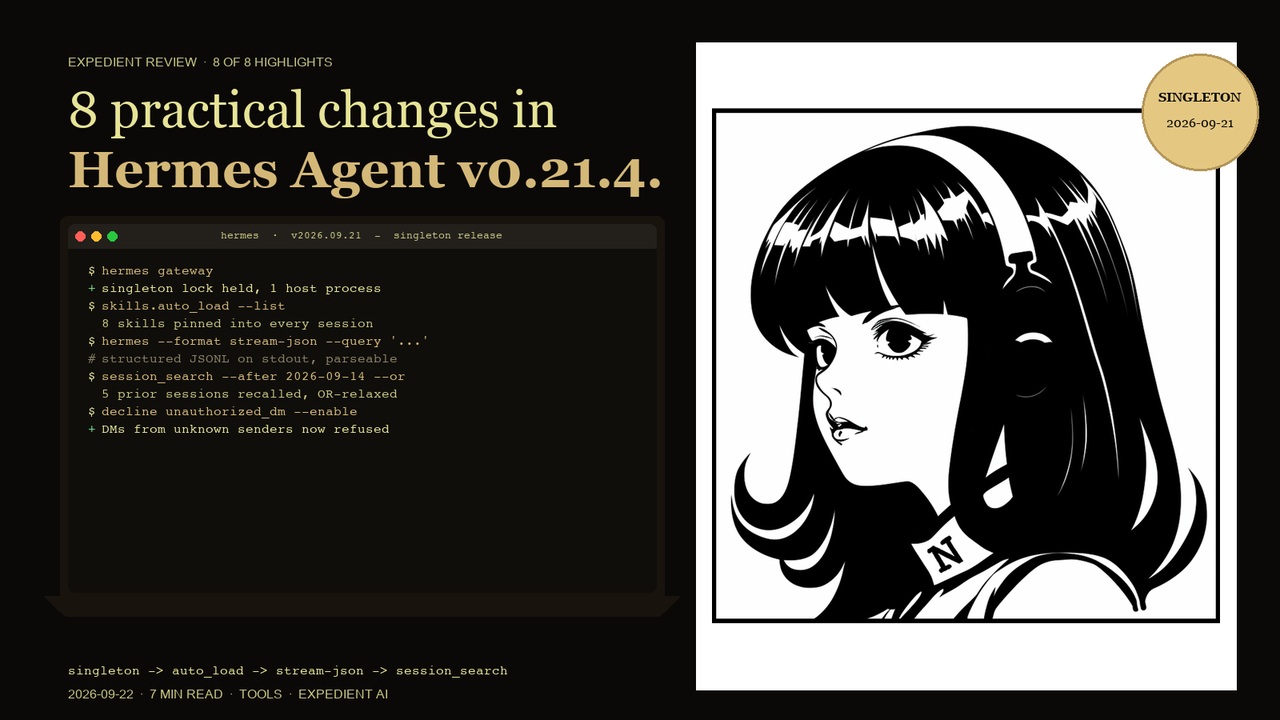
Context: I run Hermes as my main agent on multiple named profiles (default, pclm_commander, vereby_ops_manager) for separate coding projects. Telegram is the primary channel, with daily cron briefings and delegated multi-step builds. v0.21.4 (the Singleton rollup, dated 2026-09-21) is a tagged patch on the 0.21 line. The window since v0.21.3 contains 5,071 non-merge commits across 5,169 changed files, 1,812 merged PRs and 2,116 closed issues. The upstream maintainers flagged exactly one fix as the reason this tag exists: the host-wide gateway singleton lock with Desktop attaching to the running host backend instead of spawning a second one. Everything else in the window is deferred to v0.22.0, which will roll every curated highlight from v0.21.0 onward into a single changelog.
Even so, eight of those items genuinely move how I work. They are the ones below, with the singleton fix listed first because it is the reason this tag exists.
1. Host-wide gateway singleton lock, and Desktop no longer spawns a second backend
What it is: The gateway now holds a host-wide singleton lock backed by a rendezvous record, and the Desktop app attaches to the running host backend instead of spawning its own. The two processes (CLI/Daemon gateway and Desktop) are now one process per host, regardless of which surface starts it. The rendezvous record is what makes the second-attached process find the first one cleanly across reboots.
Why it matters: Before, a desktop install could spawn a second backend, doubling the port count and the WAL writer load on state.db. The second backend often silently won the race for new sessions, so a desktop user could be talking to a stale copy. That class of bug is gone.
Practical example: A daemon-style gateway is already running on the host from a previous session. The Desktop app launches. Instead of forking its own backend, it attaches to the existing gateway. The session list in the Desktop is the same list as the CLI sees, and writing to state.db from one surface shows up in the other without a refresh.
2. skills.auto_load pins skills into every new session
What it is: A new skills.auto_load config key accepts a list of skill names. Each new session is opened with those skills already injected into the prompt as if they had been loaded on first request. The skill is not duplicated, it is pinned.
Why it matters: Operators who run a fixed set of house-style skills (brand voice, imagegen recipe, voice-and-tone) used to add them in the first turn of every session, every time. For a cron job that fires dozens of times a day, that turned into real prompt-token spend. Pinning means the skill is in scope without anyone asking.
Practical example: A cron fires every hour to summarise yesterday's briefs. The skill hermes-release-hero is pinned via skills.auto_load. The first turn does not have to spend 200 tokens loading it, because the agent already has it in scope. The cron job runs and writes its output without the loading tax.
3. --format stream-json structured JSONL on the CLI
What it is: The CLI now emits structured JSONL output for every turn when called with --format stream-json. One JSON object per line, line-prefixed by event kind (turn_start, tool_call, tool_result, turn_end), with the same fields as the in-process Python events.
Why it matters: For any operator who pipes Hermes output into another tool (a Notion logger, a Telegram digest, a custom dashboard), the previous output was markdown or plain text. The only stable parser was grep. JSONL means every downstream tool can ingest the stream and re-emit it without losing structure.
Practical example: A cron job runs hermes --format stream-json --query "summarise the last 24 hours" and pipes the output to a custom log shipper. The log shipper reads tool_call objects, builds a per-tool latency table, and writes a row to a Supabase table. A week later, the operator queries the table to find which tool is slowest on the morning brief.
4. session_search gets after/before bounds and OR-relaxed recall
What it is: session_search accepts --after and --before date bounds (ISO YYYY-MM-DD) and runs an OR-relaxed recall retry when the first pass returns nothing. The OR-relaxed retry drops one constraint at a time until at least one hit surfaces, so a query that was just outside the strict window still finds a session.
Why it matters: Until now, session_search was a single-pass recall. A query that almost matched returned nothing. The new bounds plus the retry are the difference between “I remember doing this last Tuesday” and “I can't find it.”
Practical example: An operator searches for a session about a Supabase ticket from last week. The first pass misses because the date is one day off. The OR-relaxed retry drops the date constraint, finds the session, and the operator has the context they need.
5. decline unauthorized DM behavior for the gateway
What it is: The gateway can now refuse direct messages from senders who are not on the allowlist, instead of forwarding them into the chat session. decline is the default behaviour for any sender whose user_id is not explicitly allowed; the gateway returns a one-line refusal to the platform and the message is dropped.
Why it matters: For a Telegram-bound gateway that handles production work, the surface area for unsolicited inbound DMs used to be wide-open. A typo in a command (or a misrouted group reply) could land a non-owner message in the active session. The decline behaviour is the default-deny posture.
Practical example: A Telegram user not in the allowlist DMs the gateway. Before, the message was processed as if it were from the operator. Now the gateway declines the message, logs the attempt with the sender's user_id, and the active session is untouched.
6. Configurable MCP discovery connect cap (mcp.discovery_concurrency)
What it is: The new mcp.discovery_concurrency setting caps the number of concurrent MCP discovery connections the gateway will open during boot. The default is small (a handful); operators who run many MCP servers can raise it.
Why it matters: Discovery is what builds the tool catalogue the gateway advertises to a session. With many MCP servers, an unbounded concurrent connect turns into a thundering-herd at boot and a slow start. The cap is a knob for the operator, not a magic number.
Practical example: A host runs 14 MCP servers. Without the cap, boot spends 10 seconds in discovery. Setting mcp.discovery_concurrency = 4 brings boot discovery to under 3 seconds. The tool catalogue is identical at the end.
7. hermes sessions set-journal-mode, Desktop font picker and one-click local engine updates
What it is: Three things in one slot because they share a theme: (a) hermes sessions set-journal-mode lets operators flip the SQLite journal mode for state.db between WAL and DELETE without a manual sqlite3 session; (b) the Desktop chat/UI font picker lets the operator pick the chat font and the UI font independently; (c) one-click local engine updates and a Plugins hub plugin-uninstall action round out the Desktop polish for this window.
Why it matters: (a) is the answer to “my WAL keeps growing under load” without going to a shell. (b) is the answer to “the chat font is too narrow on this screen” without editing CSS. (c) is the answer to “I want a clean uninstall” without grepping the install directory.
Practical example: hermes sessions set-journal-mode WAL after a busy week of cron output. The state.db file size stabilises. The chat font is set to Cabinet Grotesk. The plugins hub shows every installed plugin with a one-click uninstall. None of this needed a code change.
8. LTX 2.5 and Kling O3 join the video catalog
What it is: Two new video models are added to the FAL-style video catalog the agent uses for generative video. LTX 2.5 is the new motion-realism tier from the LTX line; Kling O3 is the latest generation of Kling's motion model.
Why it matters: Picking a generative video model used to mean reinstalling the integration or editing a config. Now it is a name change in the call. The two models cover the two failure modes the operator usually hits: motion realism (LTX 2.5) and long-form coherence (Kling O3).
Practical example: A short promo video needs to feel grounded in motion. The call swaps to LTX 2.5. A 30-second reel needs to hold a single subject without drift. The call swaps to Kling O3. Neither swap is a reinstall or a config edit.
What did not make the list (but is in the notes)
v0.21.4 is also a stated rollup. The window since v0.21.3 contains the catalog-website work (a page for every catalog plugin and author, with pinned-commit READMEs and added/updated sorting), the dozen new community plugins (tailscale, ssh, shodan, terminal, rss, resetwatch, done-bell, kiwi, cognee, Octen), the backend-owned connector operation with a setup card on Desktop/TUI/CLI, and a large run of profile/multiplex isolation, cron, kanban, Desktop and state.db fixes. Real changes, but either narrower than the eight above or only material for specific workflows. Full curated release notes for the whole 0.21 window ship with v0.22.0, which will roll everything from v0.21.0 onward into a single changelog. Nothing in this window is skipped.
The honest version of how to read this release
v0.21.4 is a patch tag, not a feature release. The upstream notes are explicit: it exists because the singleton fix needed to reach Cloud agents, which auto-update to the newest release tag, and everything else in the window was clean enough to ride the same train. The headline list runs to one named fix plus about a dozen friction reducers; the daily-impact list runs to eight; the rest are mentioned in the section above. That is the honest shape. Everything in the notes is worth a skim when you hit the specific problem it solves, not before.