6 things that actually change in Hermes Agent v0.21.0 (and what they're for)
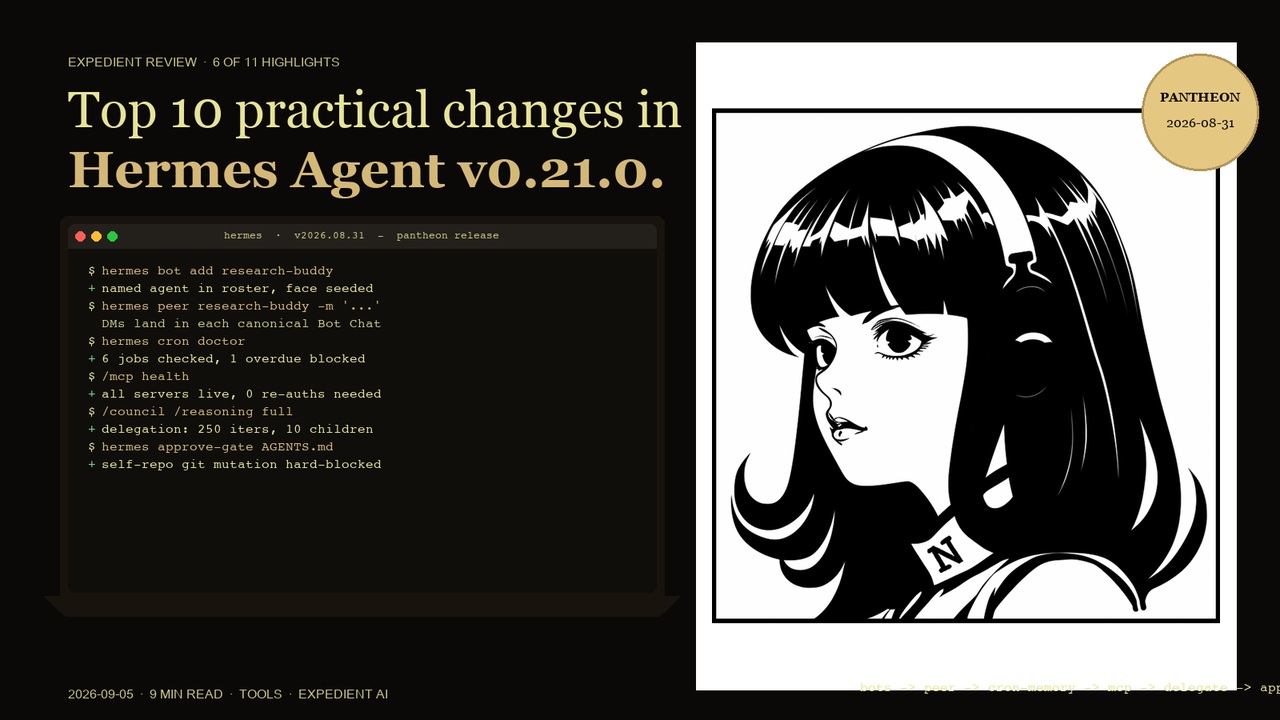
Hermes Agent v0.21.0, the Pantheon release, landed on 2026-08-31. The upstream highlight list runs to a dozen items. These are the six that actually shift how a one-person operator runs Hermes day to day: bot-to-bot DMs, cron memory, live delegation, the MCP command center, the in-app browser, and protected instruction files.
Context: I run Hermes as my main agent on multiple named profiles (default, pclm_commander, vereby_ops_manager) for separate coding projects. Telegram is the primary channel, with daily cron briefings and delegated multi-step builds. v0.21.0 (the Pantheon release, dated 2026-08-31) is the most visible new-shape release since v0.20.0. It also has a problem the headline count hides: between the v0.20.6 and v0.21.0 release tags there are 265 commits and only six carry a feat prefix. The rest are fixes. The "size" of v0.21.0 is the rolling-up of v0.20.1 through v0.20.6 plus a small but sharply different surface change, not the commit count for one tag.
Even so, six of those headline items genuinely move how I work. They are the ones below.
1. hermes peer : bot-to-bot DMs between your own agents
What it is: Any Hermes agent can now message any other agent by handle, from the CLI or from inside a conversation. Replies land in each agent's canonical Bot Chat, so a conversation between two agents is durable and inspectable rather than fire-and-forget.
Why it matters: Until now, multi-agent on Hermes meant plumbing: spin up a subagent, wait for it, hand the result back yourself. With peer, a research agent can hand findings to a coding agent and you can read the exchange after the fact. The interesting part is not the chat UI, it is that two of your agents can now coordinate without you being the message bus.
Practical example: A research agent on the default profile finishes a market scan and DMs the result to a coding agent on the vereby_ops_manager profile. The coding agent replies with a draft plan, you wake up to both transcripts in your inbox. You only had to ask once.
2. Cron jobs that remember : the morning briefing job knows what it told you yesterday
What it is: Cron agents now load and update persistent memory like every other agent. A continuity=true flag carries each run's output into the next one. Every job gets a durable notepad scratchpad. Monitor-mode jobs skip the LLM entirely when nothing has changed.
Why it matters: Scheduled jobs were goldfish. A briefing job at 9am had no idea what the 9am job said yesterday. continuity=true changes that: the briefing can dedupe against its last report, scratchpad gives the job somewhere to write between runs, and monitor mode stops paying for "no change" notifications. For anyone running daily briefings, this is the single biggest behavioural change in the release.
Practical example: A daily jobs-and-pipeline briefing at 08:30 reads its own notepad, sees it told you yesterday that Site B's queue was down, and skips that line unless something changed. The output is two lines instead of fifteen, and the two lines are the ones that matter today.
3. Live subagent steering : list, steer, stop the running children
What it is: delegate_task grew a real orchestration layer. List the running children, steer one mid-flight with a course correction, stop one early and keep the partial result. Optional JSON-schema validation on child outputs, per-delegation cost surfaced in the result, and the defaults moved to 250 iterations and 10 concurrent children.
Why it matters: Until now, a delegated subagent either ran to the end or had to be abandoned. Steering mid-flight is the missing primitive for long research or build jobs that drift off the brief. Combined with JSON-schema validation, the parent's result is a typed object you can rely on, and the cost figure means you can see which branch of a fan-out actually cost what.
Practical example: Five parallel subagents are auditing a site. One of them is going deep on a section you do not care about. Steer it back to the part of the brief that matters, it adjusts without losing the work already done. When they all finish, the cost row tells you one branch cost four times the others. Next time you assign that branch to the cheaper model.
4. The MCP command center : paste anything, see cost per server, get re-auth nudges
What it is: MCP servers and the catalog merged into one coherent desktop page. Drag-in "paste anything" import. Background health checks that nudge you to re-auth before a tool call fails. A fleet cost and usage overlay showing schema token estimates and 30-day usage per server. hermes:// deep links that install an MCP server with explicit confirmation.
Why it matters: For a long time, managing more than a handful of MCP servers meant editing config files and forgetting which token had expired. The command center turns that into a dashboard: paste a server description in, see it land, get a heads-up when one is about to break a tool call. The cost overlay is the second half: it lets you see which servers are carrying the schema-cost budget, which is the line item most easily missed.
Practical example: Drag a new MCP server description from a GitHub README into the import box. Background health check runs. Five minutes later, a nudge tells you one existing server's token is about to expire. You rotate it before any tool call actually fails. The 30-day overlay shows one server has 12x the schema cost of the others, you schedule a review.
5. The in-app browser the agent can drive : navigate, click, read
What it is: The desktop app's in-app browser stopped being a window the agent could only look at. Hermes now navigates, clicks, and reads it directly. Pages can still be popped out to the system browser, with full link context menus.
Why it matters: For desktop automation and web research inside the app, the difference between "I can see the page" and "I can drive the page" is the difference between a viewer and a tool. For a one-person operator, this is most visible on the long, multi-step web tasks where you used to copy-paste between the agent and a browser tab. Now the agent operates the tab and you watch.
Practical example: You ask the agent to walk a vendor's docs site, find the rate-limit page, and screenshot the relevant lines. It opens the in-app browser, navigates, clicks through, and reads the table. You get the answer and the screenshot in one turn.
6. Protected instruction files : AGENTS.md, skills and memory always require approval
What it is: Writes to protected agent-instruction files (AGENTS.md, skill files, memory stores) always require explicit write approval. A redaction sweep closed secret-leak gaps across terminal output, env-name variants, control-splits, process listings and checkpoints.
Why it matters: This is a self-protection fix more than a feature. An agent that can quietly rewrite its own standing orders, or quietly leak a secret into a log line, is an agent that can be quietly steered by a prompt-injected email. The approval gate on protected files is unconditional; the redaction sweep covers the residual gap. Together they make the kind of footgun that bit earlier agent platforms much less likely.
Practical example: A session opens an inbound email that turns out to be a prompt-injection attempt asking the agent to "update" its AGENTS.md with new rules. The write is held pending approval, you see the attempted change, you reject it, the session continues normally with the original standing orders intact.
What did not make the list (but is in the notes)
v0.21.0 also ships a CLI power wave (Ctrl+P command palette, /model picker, /status, status bar with cache-hit and tokens-per-second toggles, plus rotating composer placeholders and terminal pets), the desktop "glass" surface (frost picker, full-range tint and peek), a Slack native live cards path, a Telegram inline-picker that bypasses Telegram's command-menu cap, six new built-in model providers (Meta Model API Muse Spark, CommandCode, Tencent TokenPlan, Nebius Token Factory, Ramp Router, Actual Computer), a stalled-provider recovery that stops burning the retry budget, structured-output translation for Anthropic wires, session pin/unpin from the CLI, and a publish-site command for versioned GitHub/Cloudflare/Netlify Pages deploys. Real changes, but either narrower than the six above or only material for specific workflows.
What this means for a UK service business running Mercury OS
For the clients we run Hermes-style agent workflows for, the meaningful upgrades are the cron memory and the protected-instruction gate. Together they move "agent platform" from something you supervise constantly to something you can schedule, hand standing orders to, and walk away from. hermes peer is the one to watch next: bot-to-bot DMs between named agents are the prelude to a small business running one research agent, one ops agent and one customer-comms agent that all know about each other. Today it is a CLI. Six months from now, it is the shape of a tiny operator team.
The honest version of how to read this release
v0.21.0 is labelled a minor but it rolls up the v0.20.1 through v0.20.6 patch tags plus a small amount of new shape. The 265 commits between the v0.20.6 and v0.21.0 tags look like a hotfix because almost all of them are fixes. The headline list runs to twelve items; the daily-impact list runs to six; the rest are mentioned in the section above. That is the honest shape. Everything in the notes is worth a skim when you hit the specific problem it solves, not before.